Cookie box planner
See how your cookies fit in a box
Make your cutters, then switch to Box fit: your baked cookies laid out in a box of any size, so you know what fits before you bake.
How it works
Make your cutters
Upload a drawing or a set, or open one of ours.
Set the box size
Length and width from 1 to 30 in. It starts at 5 × 12 in.
Arrange the cookies
Drag and rotate them, or tap Arrange for me.
Planned with the cookie, not the cutter
Box fit shows the baked cookies: the dough inside each cutting edge, 6 mm thick, with your drawing on top. Packing and the fit check use the cookie's real size, and a chip turns red when a cookie overlaps another or sits outside the box.
Size cutters to your boxes
Change a cutter's size and watch the box update. It is the quickest way to pick cutter sizes that fill a bakery box or a gift tin without gaps.
Or start from one of ours
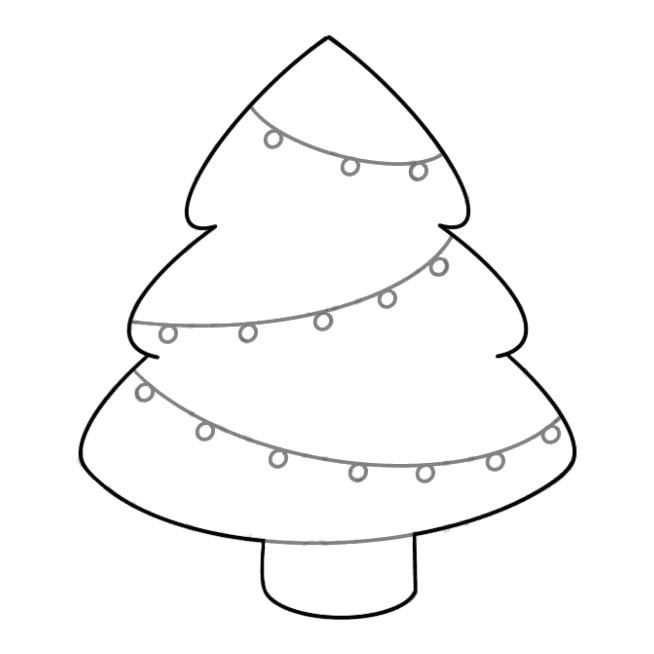
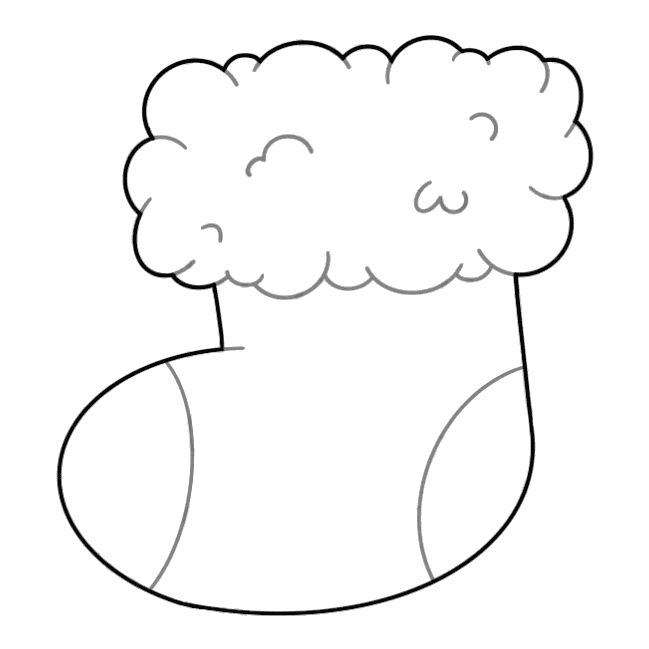
See all our cookie cutter designs →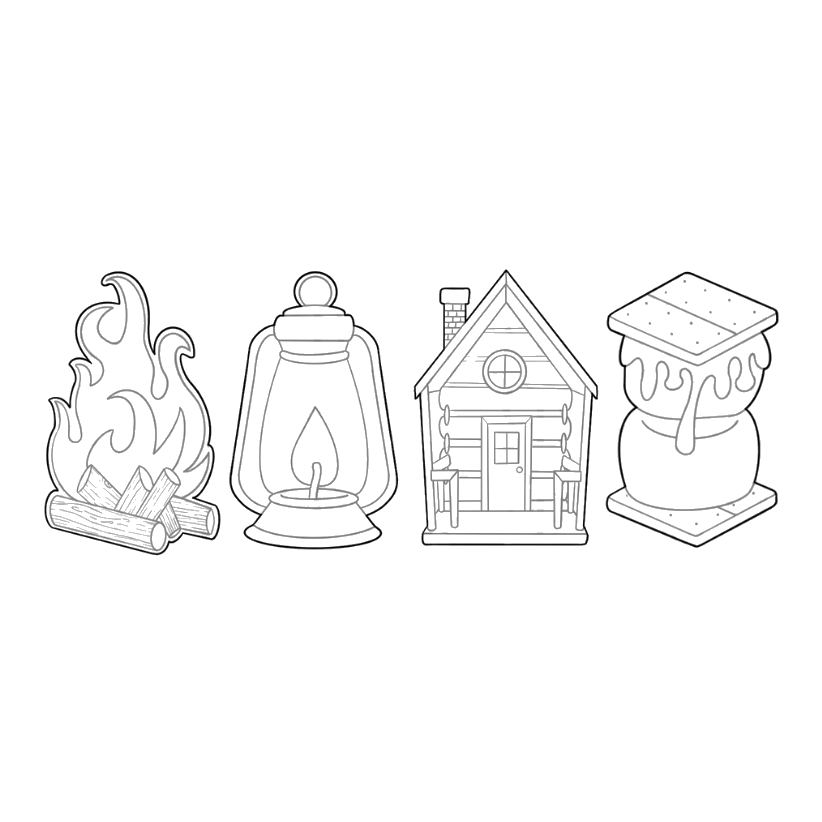

Questions
Does Box fit print a box?
No. It is a planning view: an open, see-through box to check your layout. You download the cutters as usual.
Is it free?
Making and previewing a cutter is free, with no account. Downloading a single cutter needs a free account. Free members also get 3 set downloads, 3 named cutters and 3 box plans every 30 days; Premium ($12.99 a month or $99 a year) makes those unlimited.